
What numbers should I have on my business scorecard?
What is a "business scorecard"?
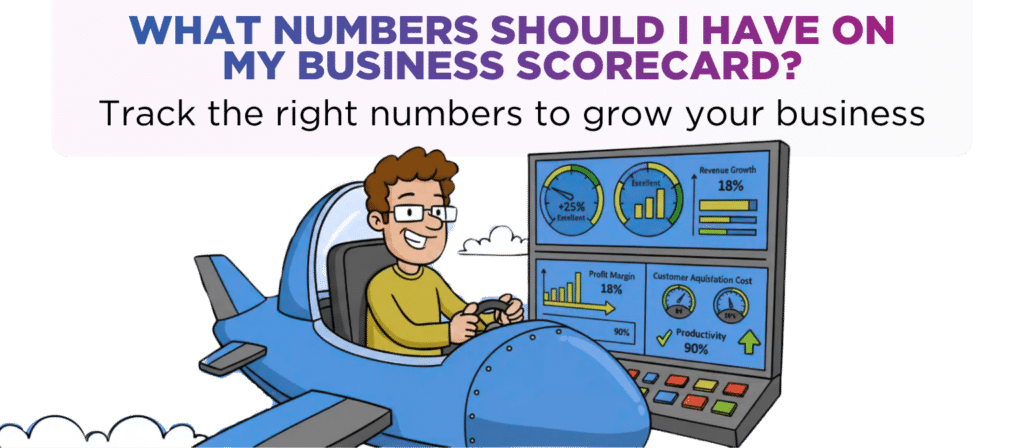
A business scorecard is your company’s financial dashboard. It tracks the key numbers that show how your business is performing.
Instead of guessing or reacting to problems, you get real-time insights on sales, profit, and so much more.
Having up-to date data on all the key numbers in your business on a single piece of paper is vital because it helps you:
- Make INFORMED DECISIONS that drive growth and boost profitability.
- Decide WHERE TO SPEND YOUR TIME (& Energy) so that you focus on what matters most.
- AVOID COSTLY MISTAKES (& highlight opportunities) simply because the metrics show that there is a problem which needs fixing.
- SLEEP AT NIGHT because you know in real time how your business is performing and if you’re on track or not.
In summary, it’s your guide to smarter business decisions, reduced stress, and more cash in the bank.
What numbers should be on your business scorecard?
Answering this question has two parts.

How many numbers
A good business scorecard should ideally track around 6 numbers.
For you, that number may be slightly higher or lower, especially if you have a team, for example, a marketing manager.
If you think that you need more, that’s fine but try to avoid having more than 10 numbers.
This is because, if you do have more than 10, then your scorecard is going to be cluttered with numbers. A cluttered scorecard with too many numbers makes it harder to focus on what’s truly important.
In essence, you can’t see the wood from trees which defeats the primary objective of having a business scorecard.
So, when choosing your business scorecard numbers you must be VERY CLEAR on which numbers you MUST TRACK because they are critical to your success.

What type of number
When it comes to a business scorecard there are two types of number – input numbers and output numbers:
INPUT numbers
Typically reflect activity which leads to an outcome (i.e. an output)
Examples of input numbers:
- Amount of marketing spend on pay-per-click ads
- Number of outbound telephone calls made
OUTPUT numbers
The outcome / result of input activities.
Examples of output numbers:
- Number of new customers
- Sales conversation rate (percentage of leads who turn into customers)
- Number of customer complaints
When selecting input and output numbers for your scorecard, you should consider all aspects of your business, including sales, marketing, and operations.
A good business scorecard is likely to have a mix of input and output numbers.
Some real-life examples of business scorecard numbers
To give you inspiration when creating your own business scorecard here are the best numbers from five industry sectors.
Retail
- Sales per square foot
Compares sales to floorspace to measure a store’s productivity - Sales per employee
Measures how productive each employee is - Stock turnover ratio
Measures how quickly a business sells its stock - Cart abandonment rate
Measures the % of customers who don’t complete the purchase - Average transaction value
Measures how much every customer spends on average - Foot traffic (& digital traffic)
Measures the number of potential customers into store
Marketing (or other service businesses)
- Number of leads
Measures the number of sales leads. - Cost of customer acquisition
Average marketing cost spent for each new customer - Number of Appointments
Measures the number of sales appointments. - Number of Proposals Sent : Measures how many proposals were sent to prospective customers
- Number of new customers
Measures the number of new customers. - Average Order Value
Measures the value of each customer order

Manufacturing
- Throughput
Measures how much a machine can produce over a specified time period - On-time delivery
Measures the % of products that are delivered to customers on time. - Quality
Measures the % of products that pass quality checks the first time - Downtime
Measures the amount of time a machine (or line) is not operating. - Capacity Utilization
Measures how close a machine is operating compared to its’ capacity - Production attainment
Measures the % of the time when a production target is achieved.

Hospitality
- Table occupancy
Measures the average number of customers during a given period. - Spend per head
Measures how much money an average customer spends. - Guests per server
Measures the productivity/efficiency of each server (or serving team as a whole) - Wage %
Compares the cost of wages to sales - Food & drink %
Compares the cost of food, drink & similar costs to sales - Online reviews
Is an indicator of customer satisfaction

Beauty
- Re-book rate
Measures the % of customers who rebook before leaving the salon. - Spend per head
Measures how much money an average customer spends in a visit. - New customers
Measures the number of new customers who come in for treatment - New customer retention
Measures % of new customers who return within a set period of time. - Salon productivity
Compares the sales value of treatments done by an employee to their salary. - No-show rate
Measures the % of customers who fail to show up for their scheduled appointment
Is your business's performance a mystery or are you tracking the key numbers that drive success?
If you’d like a chat to see how we can help drop us an email to [email protected] or call one of the team on 0161 410 0020.
Setting up a great scorecard for your business is a critical piece of the “Score It” step of our Krystal Clear roadmap that we complete with all our growth clients. You can read how Krystal Clear Accounting has impacted just a few of the thriving businesses we’ve helped to grow here, or on Google (we have over 108 reviews!)
Disclaimer
You must take professional advice before making any decisions based on the information that you have learnt here. While every effort has been made, to make sure it is accurate it cannot be precisely tailored to your personal circumstances. This article is for general information only and no action should be taken, or refrained from, as a result of this information. Professional advice should be taken based on specific circumstances in each individual case. Whilst we endeavor to ensure that the information contained in the article is correct, no liability will be accepted by Krystal Clear Accounting which is a trading name of Kim Marlor Associates Ltd or damages of any kind arising from the contents of this communication, or for any action, inaction or decision taken as a result of using any such information.